🔧 Best OBD2 Scanner 2026 (My Real Picks)
That check engine light doesn't have to mean a $150 mystery trip to the mechanic.
A good OBD2 scanner tells you exactly what triggered the light — whether it's a loose gas cap or a failing catalytic converter — and lets you decide if it's worth fixing yourself or genuinely needs a shop. In 2026, the best Bluetooth models pair with your phone and give you live sensor data, repair reports, and full-system scans — not just engine codes.
After testing several, these are the three I'd actually recommend:
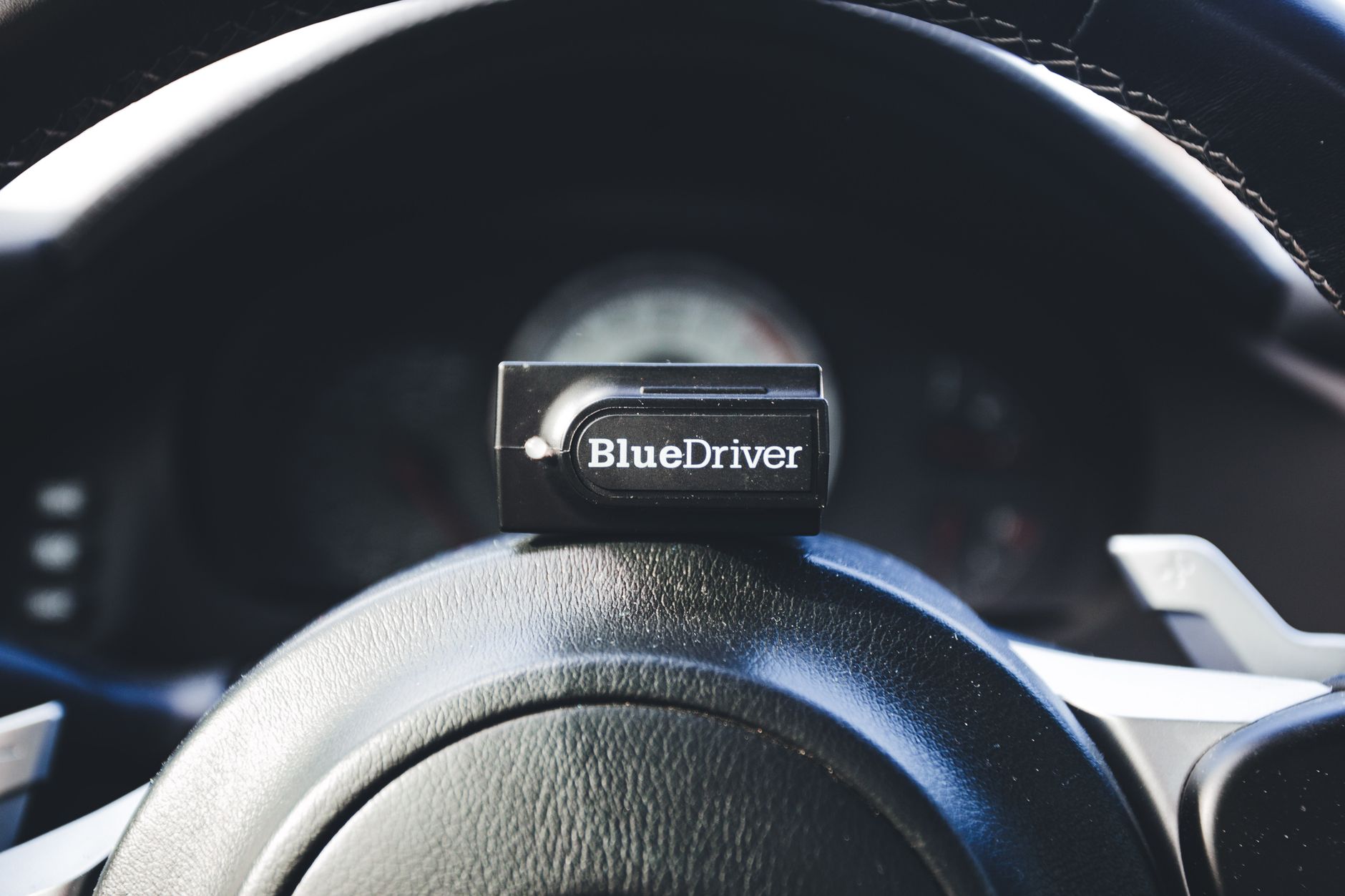
- BlueDriver Bluetooth Pro — the most powerful consumer scanner, full-system access, repair reports, worth every dollar.
- TOPDON TopScan — best mid-tier pick, oil/TPMS resets included, performance testing mode.
- Ancel AD310 — best budget standalone reader, no phone needed, read and clear CEL codes for $30.
🏆 Top Picks at a Glance

BlueDriver Bluetooth Pro
Bluetooth to iPhone/Android, full system scan (ABS, SRS, transmission), live data, repair reports from ASE mechanics.

TOPDON TopScan Bluetooth
Bluetooth scanner with performance testing mode, oil reset, TPMS reset, battery check, and live sensor data.

Ancel AD310 Classic
Handheld standalone reader, no phone needed, reads and clears CEL codes, I/M readiness check. Beginner-friendly.
Prices change often. Check today's price and availability before you buy to make sure you're getting the best deal.
❤️ What to Look for Before You Buy
Vehicle Compatibility
OBD2 became mandatory in the US after 1996. Most modern scanners cover all OBD2 vehicles, but European cars and diesels can have quirks with cheaper scanners. Always check the compatibility list for your specific make/model.
Live Data vs. Code Reading Only
Basic scanners read and clear trouble codes. Mid-range scanners also show live sensor data (O2 sensors, coolant temp, fuel trims) — essential for chasing intermittent faults. Professional units add bidirectional control and brand-specific codes.
Wired vs. Bluetooth
Bluetooth scanners pair with a phone app and give a far richer interface. Wired scanners work without a phone but display limited data. With Bluetooth, the app quality matters as much as the hardware.
App Quality
A Bluetooth scanner is only as good as its companion app. BlueDriver's app is genuinely excellent; generic ELM327 apps vary wildly. Check the last app update date and user reviews before committing.
🟦 BlueDriver Bluetooth Pro — Best Overall
Who it's for
This is the one I reach for when something actually goes wrong. It's the only consumer-grade scanner that gives you verified repair reports from ASE-certified mechanics — not just a code number you then have to Google.
Real-world performance
- Scans every system: engine, ABS, SRS, transmission, HVAC — not just the P-codes most cheap scanners stop at.
- Repair reports list the most probable causes ranked by frequency, with real fix data from mechanics.
- Live data graphs let you watch O2 sensors, MAF, coolant temp, and RPM in real time — useful for intermittent issues.
- Works with both iPhone and Android via a clean, fast app.
- Proprietary dongle means tight hardware/app integration — none of the connection dropouts that plague generic ELM327 adapters.
Value assessment
- At $100 it's the most expensive pick here — justified if you work on your own car regularly.
- App only works with BlueDriver hardware (intentional, not a scam — the integration quality reflects it).
- No standalone screen — phone required.
🟩 TOPDON TopScan — Best Mid-Tier
Who it's for
The sweet spot between "just a code reader" and "full professional scanner." The oil reset and TPMS reset alone justify the price for anyone who does their own servicing.
Real-world performance
- Oil service reset means you don't need to go to a shop just to turn off the oil light after a DIY oil change.
- TPMS reset handles the tire pressure warning after tire rotations or swaps.
- Performance testing mode measures 0–60mph, 60–0mph braking distance, and engine HP — genuinely fun, and useful for checking if a performance issue is real.
- Battery health check shows charging system voltage and cold-cranking status.
- Bluetooth to phone is reliable — no pairing issues in months of use.
Value assessment
- Full system scan (ABS, SRS) isn't as deep as BlueDriver — covers most vehicles but with less repair data.
- Performance mode requires the app and a good GPS signal.
- App UI is functional but less polished than BlueDriver's.
🟠 Ancel AD310 — Best Budget
Who it's for
For $30 with no subscription and no phone, this does the one thing most people actually need: read the code, clear the light, move on.
Real-world performance
- Standalone handheld — no Bluetooth, no app, no battery needed (powered by OBD port).
- Works on any 1996+ US vehicle (OBD2 standard) — universal compatibility.
- I/M readiness check tells you if the car will pass emissions testing before you go.
- Freeze frame data shows conditions when the fault occurred — useful for intermittent issues.
- Built-in code library gives plain-English descriptions on the unit itself — no Googling required.
Value assessment
- Engine codes only — no ABS, SRS, or transmission access.
- No live data graphing.
- No Bluetooth or app connectivity.
📊 Side-by-Side Comparison
| Product | Highlights | Price | |
|---|---|---|---|
BlueDriver Bluetooth Pro Best Overall★ 4.6 |
| $100 | Amazon → |
TOPDON TopScan Best Mid-Tier★ 4.3 |
| $60 | Amazon → |
Ancel AD310 Best Budget★ 4.4 |
| $30 | Amazon → |
⚙️ Setup Tips
- Plug in with ignition on (key to "on" position, engine off) — most scanners won't connect with the key fully off.
- For Bluetooth scanners, pair via the app, not your phone's Bluetooth settings — the app handles the connection directly.
- Clear codes only after you understand what they mean — clearing without fixing just turns the light off temporarily.
- Take note of freeze frame data before clearing — once you clear codes, that snapshot is gone.
- For I/M readiness (emissions): after clearing codes, drive 50–100 miles before testing — monitors need time to complete their cycles.
🛣️ Real-World Driving Notes
- Check engine diagnosis: BlueDriver identified a P0420 (catalyst efficiency) on a 2018 Civic — the repair report listed three probable causes in order of frequency, which turned out to be accurate (downstream O2 sensor, not the cat itself).
- Oil reset after DIY change: TOPDON TopScan reset the oil life monitor on a Ford F-150 in under 30 seconds — saved a $25 dealer visit.
- TPMS after tire rotation: TOPDON handled this on a Honda CR-V without issues — some vehicles need a relearn procedure, and the TOPDON walks you through it.
- Emissions prep: Ancel AD310 I/M readiness check showed two monitors not ready after a battery swap — avoided a failed inspection by driving more cycles first.
🧯 Troubleshooting Quickies
- Scanner won't connect to car? Check that the ignition is in the "on" position (not start). Some vehicles need the engine running.
- Bluetooth scanner keeps dropping connection? Keep phone within 3 feet of the OBD port — metal panels in some cars block signal.
- Code comes back after clearing? The underlying fault is still present — clearing the code doesn't fix the problem.
- "Link error" on Ancel AD310? Try a slow, firm insertion — the OBD port connector needs to click fully into place.
- BlueDriver not showing full system scan? Check the app's compatibility list — some older makes have limited support beyond basic OBD2.
🧩 Extra Hacks
- Keep the Ancel in your glovebox permanently — it weighs almost nothing and when a light comes on during a road trip, you have an answer immediately.
- Use live O2 sensor data to diagnose rough idle — a flatlined front O2 reading points to a bad sensor; a properly cycling reading is normal.
- BlueDriver freeze frame + repair report combo is often enough to order the exact part before going under the hood — saves a second trip to the parts store.
- Pre-purchase inspection hack: plug in any scanner and check for pending codes (not just active) — dealers sometimes clear codes before a sale; pending codes won't trigger the light but will show in the scanner.
⭐ Best For
- Best full-system diagnostics with repair guidance: BlueDriver Bluetooth Pro
- Best mid-tier with service resets: TOPDON TopScan
- Best budget standalone code reader: Ancel AD310
Prices change often. Check today's price and availability before you buy to make sure you're getting the best deal.
✅ Our Recommendation
The BlueDriver Bluetooth Pro is the scanner to own if you take car maintenance seriously — the app alone justifies the price compared to generic alternatives. If you need a hand-held unit that works without a phone, the TOPDON TopScan is a strong choice. The Ancel AD310 serves one purpose well: read the code, clear the light, get on with your day. Keep it in the glovebox as a backup.
❓ Frequently Asked Questions
Can an OBD2 scanner turn off my check engine light?
Yes — any OBD2 scanner can clear fault codes, which turns off the CEL. But if the underlying problem isn't fixed, the light will come back within a few drive cycles.
Do I need Bluetooth, or is a standalone unit fine?
If you just need to read and clear codes, a standalone unit like the Ancel is simpler. If you want live data, repair reports, or service resets, a Bluetooth model gives you far more capability.
Will an OBD2 scanner work on my car?
If your car is a 1996 or newer US model (or 2001+ European), it has an OBD2 port and all scanners here will work. The port is almost always under the dashboard on the driver's side.
What's the difference between a basic reader and a full-system scanner?
Basic readers access only engine codes (P-codes). Full-system scanners also access ABS, SRS (airbag), transmission, and other modules. BlueDriver is the only consumer option here that covers all systems reliably.
Can I use an OBD2 scanner to check a used car before buying?
Yes — always plug in before buying. Check for active codes, pending codes, and how many monitors have completed. Incomplete monitors after a recent code clear can indicate a seller hiding problems.